Call Us Now
+91-9903747650
Mastering the Motion Graphics at Arena Animation Salt Lake
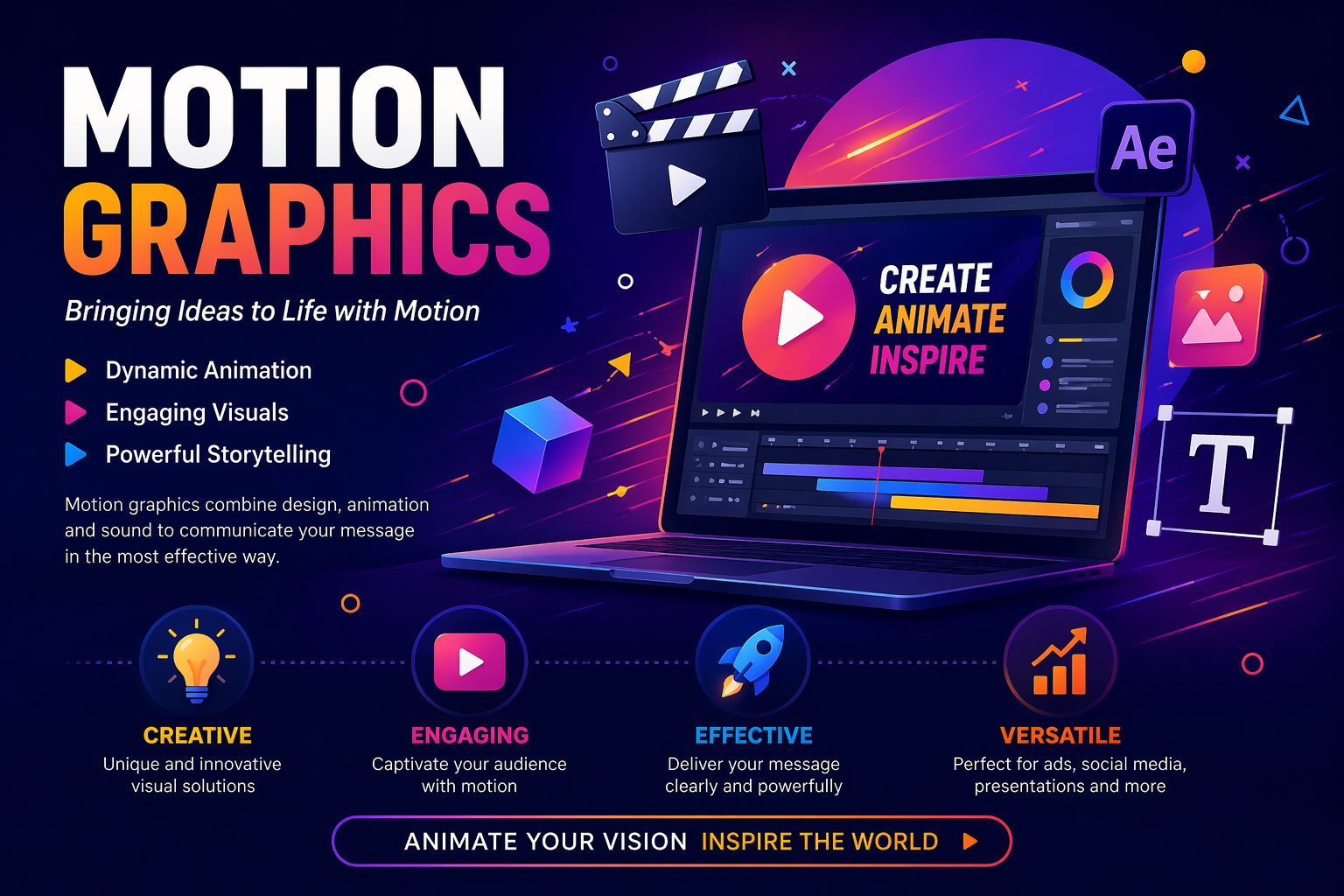
In the fast-paced world of motion graphics, the ability to create stunning visual effects can set you apart from the competition at Arena Animation Salt Lake. Special effects not only enhance the aesthetic quality of your work but also engage viewers and elevate storytelling. Whether you’re working on advertisements, films, or social media content, mastering these techniques is essential for any motion graphics artist. In this blog, we will explore the top five special effects techniques that every motion graphics artist should master, and how training at Arena Animation Salt Lake can help you hone these skills.
At Arena Animation Salt Lake, motion graphics is not taught as an isolated topic—it’s integrated into Animation, VFX, and Digital Content Creation programs to give you complete industry skills.
Why It’s Popular
Motion graphics is in high demand because brands and creators prefer visual content that grabs attention quickly—especially on platforms like Instagram, YouTube, and OTT platforms.
1. Particle Effects
Particle effects are fundamental in motion graphics, allowing artists to create stunning visuals such as smoke, fire, rain, and explosions. These effects can add depth and dynamism to your animations, making them more captivating.
- Tools to Use: Software like Adobe After Effects offers powerful particle systems (such as Trapcode Particular) that enable you to generate and control thousands of particles in a scene. You can manipulate parameters like velocity, direction, and lifespan to achieve the desired effect at Arena Animation Salt Lake.
- Application: Consider incorporating particle effects to simulate natural elements or add a magical touch to your projects. For instance, creating a sparkling effect during a transition can enhance the overall visual appeal.
2. 3D Animation and Integration
Integrating 3D elements into your motion graphics can provide a striking depth and realism. Understanding how to animate and manipulate 3D objects will expand your creative possibilities.
- Tools to Use: Programs like Cinema 4D and Blender are excellent for creating 3D models and animations. After Effects can also be used in conjunction with these programs for compositing and adding motion.
- Application: Use 3D animations for product showcases, logo animations, or any scenario where depth enhances the storytelling. Learning how to seamlessly integrate 3D with 2D elements will also give your projects a professional look.
3. Rotoscoping
Rotoscoping is a technique where artists trace over footage frame by frame to create realistic animations. While it can be time-consuming, mastering this technique allows for intricate and detailed animations that can elevate your projects.
- Tools to Use: Adobe After Effects offers rotoscoping tools that simplify the process. The Roto Brush tool, for instance, allows you to isolate objects from backgrounds easily.
- Application: Rotoscoping is ideal for creating special effects that require a human element, such as animated characters interacting with live-action footage. This technique is commonly used in films and advertisements to create compelling visual narratives.
4. Compositing
Compositing is the process of combining multiple layers of video and images to create a final scene. Mastering compositing techniques is crucial for motion graphics artists, as it allows you to blend various elements seamlessly.
- Tools to Use: After Effects is renowned for its compositing capabilities. Understanding layers, masks, and blending modes will enable you to achieve high-quality results.
- Application: Use compositing to create visually stunning scenes, such as integrating animated characters into live-action footage or combining different graphical elements to tell a cohesive story. The ability to composite effectively is essential for any motion graphics project.
5. Color Grading and Correction
Color grading and correction play a significant role in setting the mood and tone of your motion graphics. A well-executed color scheme can evoke emotions and create a cohesive look across your project.
- Tools to Use: Software like Adobe Premiere Pro and DaVinci Resolve are excellent for color grading. However, After Effects also offers robust color correction tools that can help you fine-tune your animations.
- Application: Use color grading to create a specific atmosphere in your animations. For example, a warm color palette can evoke feelings of nostalgia, while cooler tones can create a sense of calm. Consistent color grading across your project ensures a professional finish.
Why Choose Arena Animation Salt Lake for Motion Graphics
Arena Animation Salt Lake offers job-focused courses in animation, VFX, and multimedia that naturally include motion graphics as a core skill. Their programs are designed to match current industry demands, helping students build relevant skills for media, advertising, and digital content careers.
- Covers complete pipeline (design → animation → editing)
- Focus on practical skills + software training
- Helps build a professional portfolio
- Offers placement support and career guidance
Conclusion
Motion graphics are a powerful way to communicate ideas creatively and effectively. Whether you’re a student, designer, or marketer, mastering motion graphics at Arena Animation Salt Lake can open doors to exciting opportunities in digital media.